
Software Bill Of Materials (SBOM)
We continue our Human Written & Fact Checked CRA expert series today with deep dive on Software Bill of Materials (SBOM).
In the modern DevSecOps landscape, you can't protect what you can't see. In this blog post, we discuss different strategies on how to obtain a Software Bill of Materials (SBOM), which is also central for the Cybersecurity Resilience Act (CRA). An SBOM provides a comprehensive "ingredient list" for your digital products. It enables proactive vulnerability management, license compliance, and other analyses.
How to obtain SBOM
Collecting an SBOM is not always a simple matter, although the tools for it are improving. Depending on your stack and lifecycle stage, you may need to pull data from several different sources:
Source code and configuration files
Software supply chain information, i.e. the SBOM of your dependencies
Binary analysis of firmware or software
Runtime analysis of the system
Sometimes the term Software Composition Analysis (SCA) is used for the process of extracting an SBOM from source artifacts.
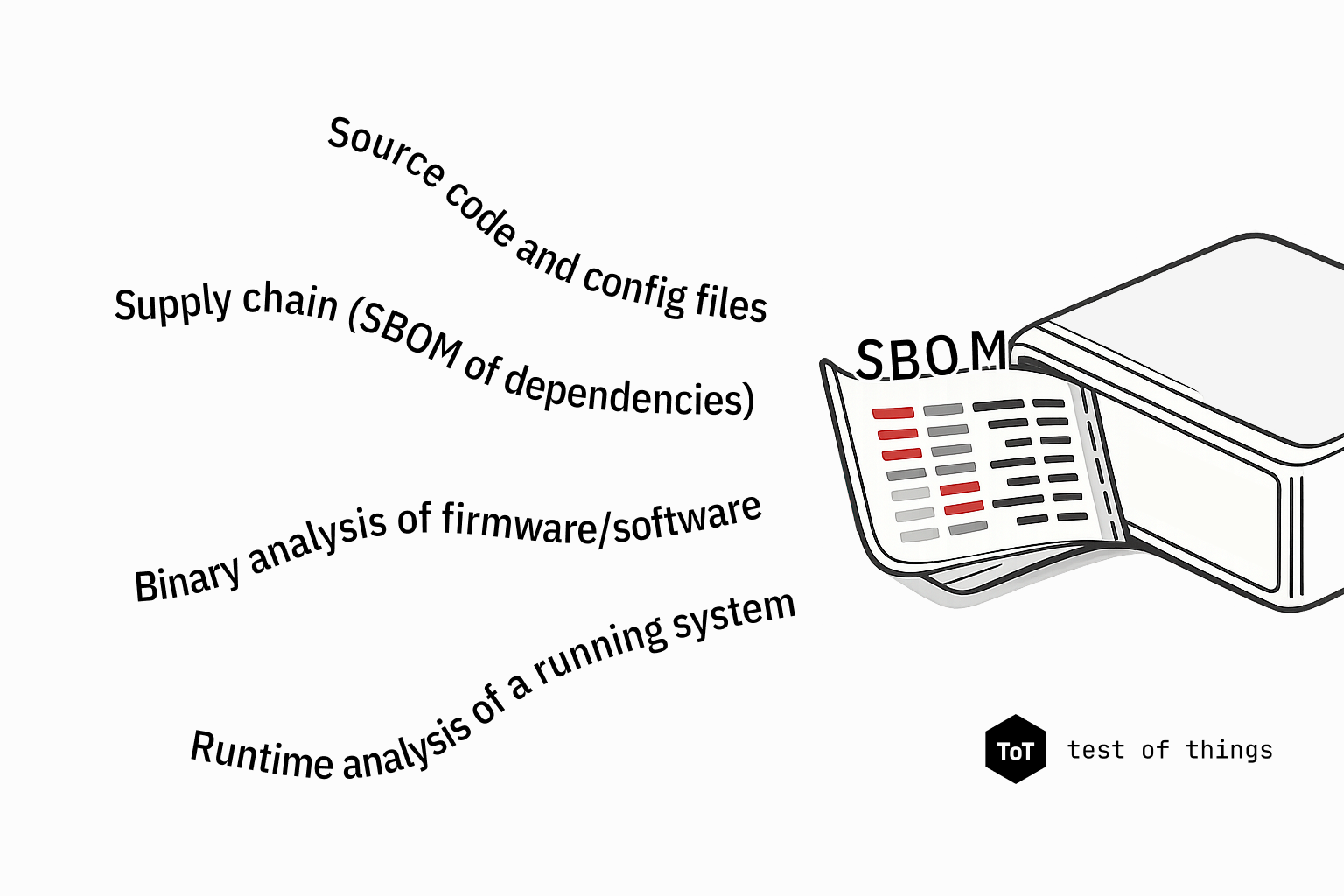
Typical sources of data for SBOM
All the methods above have their strengths and weaknesses, and a solid approach could use a few different techniques. Simple projects may rely on a manually maintained SBOM, such as a spreadsheet kept by the product manager. However, this is fairly error-prone and hard to scale to larger projects and teams.
Starting from source code
The most common starting point is your source code, where SCA can be used to analyze how your dependencies are defined. A critical distinction exists between dependency declarations (what you asked for) and dependency “lock files” (what you actually got). While a declaration might specify "Version 2.x," the lock file records the exact version and all transitive dependencies resolved at build time.
The tools which collect and list your dependencies are called package managers and, generally speaking, they operate at two levels: the language and the Operating System (OS) level. Both levels are needed for a complete SBOM: the language-level manager covers your application dependencies and the OS-level manager covers the platform and system libraries. When you have several different codebases with different languages, frameworks, or even OSes, you must integrate SBOMs from all of them.
Examples of language-level package managers include pip/pdm (Python), npm/yarn (JavaScript), cargo (Rust), maven/gradle (Java), and conan/vcpkg (C/C++). These tools manage your dependencies and produce SBOMs, e.g. in the form of the lock files we mentioned earlier.
Adding operating system to the mix
The software you write is usually only a part of what your system runs. The underlying OSes and the other components bring their own additions to the SBOM. OS-level package managers, such as apt/dpkg (Debian/Ubuntu),rpm/dnf (Red Hat/Fedora), and opkg (OpenWRT and embedded Linux), manage the software installed on the running system and maintain a database of installed packages and their exact versions. For embedded Linux, build systems such as Yocto and Buildroot have their own dependency tracking. Yocto can generate SBOM output directly from the build, while Buildroot can produce a manifest of included packages.
Binary components
For binary components without source code or configuration information, you should get the SBOM from their suppliers. The prominent formats for SBOM exchange are System Package Data Exchange (SPDX) and CycloneDX. Furthermore, you can analyze the firmware or software binaries to extract their SBOM. Several tools can be used for this. Tools like binwalk or unblob can unpack common firmware image formats to expose the underlying filesystem. Once unpacked, syft and trivy can scan the filesystem for package manager databases, version strings, and known file signatures. Several closed-source commercial tools also exist that provide the unpacking, component identification, and also vulnerability mapping as an integrated service.
System level SBOM
Finally, it is possible to instrument a running system to generate the SBOM. On a running Linux system, the installed package database is the most direct source: commands like dpkg-query -W (Debian-based) or opkg list-installed (OpenWRT) emit a versioned list of all installed packages. Beyond installed packages, you could use the /proc filesystem or tools that list running processes and their dependencies.
When using containers, such as Docker, each container is a self-contained filesystem that bundles its own OS-level dependencies independently of the host system. Each container has its own distinct SBOM. You typically use a base image for a container, which adds to your supply chain as the base image is maintained by a third party and its SBOM is not under your control. Monitoring notifications for your base images, along with rebuilding and rescanning containers on base image updates, must therefore be part of the vulnerability management workflow.
Final thoughts
With accurate SBOMs, containing exact component versions, you can systematically cross-reference published vulnerability databases and focus remediation efforts where they matter. In a CI/CD process, this only works if SBOM generation is automated on every build. A manually maintained SBOM will easily fall out of date. As we discussed in a previous blog post, the SBOM may overestimate your attack surface, and many of the vulnerabilities are not exploitable in your product. However, without an SBOM, vulnerability management is done in darkness.
